
Never miss
a Corbin
score.
Kickoff. Every Corbin touchdown. The final. On your lock screen the second it happens, whether you're in the stands, at work, or six hundred miles from Campbell Field.

Three moments.
Every game.
Kickoff
The second the game starts, wherever you are. Tap it and you're on the live scoreboard and the radio.
Every Corbin score
Touchdowns, field goals, goals and runs, with the score and the clock. Lead changes get called out.
The final
Win or lose, the final and the season record. Tap it for the box score, then the recap and photos.
You pick the sports. Football, soccer, volleyball, basketball, baseball, softball and the rest, any mix. Football, soccer, baseball and softball send every score; the others send the start and the final, so your phone doesn't buzz every basket.
Thirty seconds.
Pick your phone.
- 1Open CorbinRedhounds.com in SafariApple only allows alerts from Safari. Using Chrome? Copy the link into Safari first.
- 2Tap Share, then Add to Home ScreenShare is the square with the arrow at the bottom of the screen. Scroll down the list to find Add to Home Screen.
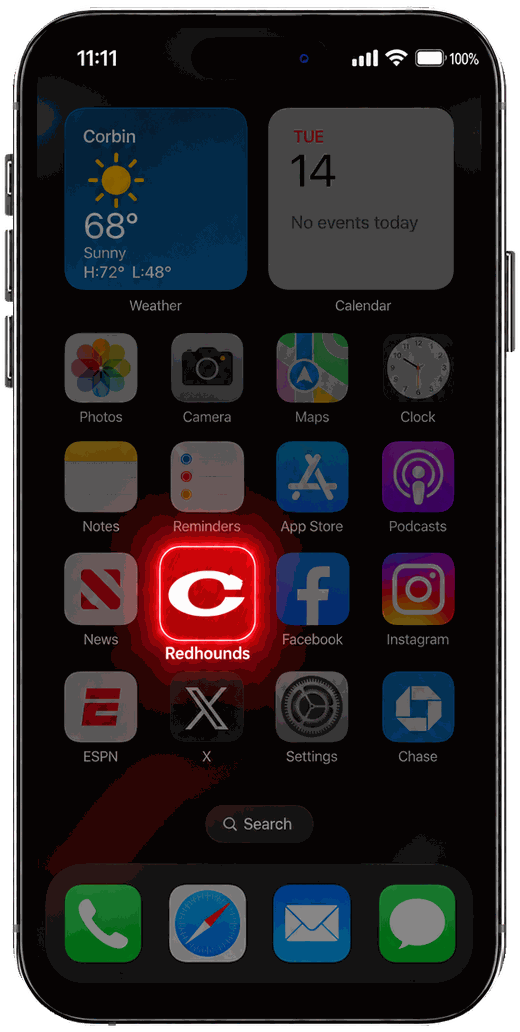
- 3Open Redhounds from your home screen and sign inIt opens like an app, with the red C as its icon. Not a member yet? Join free right there.
- 4Tap Score alerts, pick your sports, tap AllowThen tap Send me a test. Your phone buzzes, and you're set.
Needs iOS 16.4 or newer (Settings › General › About). Why the home screen? It's Apple's rule for alerts from websites, and it gives you a one-tap Redhounds app too.
- 1Open CorbinRedhounds.com in Chrome and sign inNot a member yet? Join free first. Samsung Internet and Firefox work too.
- 2Tap Score alerts, pick your sportsThe button with the bell, on this page or the homepage.
- 3Tap Turn on, then AllowThen Send me a test to see it work.
- 4Optional: Add to Home screenChrome offers it in the menu (⋮). One tap to the Redhounds from then on.
- 1Sign in, then click Score alertsChrome, Edge, Firefox and Safari on a Mac all work.
- 2Pick your sports, click Turn on, then AllowAlerts show in the corner of your screen while your browser is open.
The fine
print.
Is it free?
Yes. Score alerts are a perk for Redhound Community members, and joining is free: your name, your email, your class year if you have one. No ads in the alerts.
Why do I have to join?
Alerts are one of the things that come with being part of the community, along with your locker, your Red Card, the anniversary emails from your years and the team rooms. It also keeps alerts to real Redhounds.
Do I download something from the App Store?
No. On iPhone you add the site to your home screen from Safari, and it works like an app. Nothing to download, nothing to update.
How many buzzes is it?
For football, usually six to ten a game: kickoff, Corbin's scores, the final. Basketball and volleyball only send the start and the final. A quick fix to the score never sends twice.
Can I pick which sports?
Any mix. Tap Score alerts anytime to change them, or tick Every sport.
How do I turn it off?
Tap Score alerts and Turn alerts off. Or turn off notifications for Redhounds in your phone's settings.
I turned it on but nothing comes through.
Tap Score alerts, then Send me a test. If nothing comes, check that a Focus or Do Not Disturb mode isn't on, and that notifications are allowed for Redhounds (iPhone) or your browser (Android) in your phone's settings.
Friday night is better
with a buzz.
Know a Redhound who'd want this? Text them the link · Share on Facebook